Fix Overexposed & Blown Out Photos Instantly
Recover detail from overexposed, washed-out photos with one click.
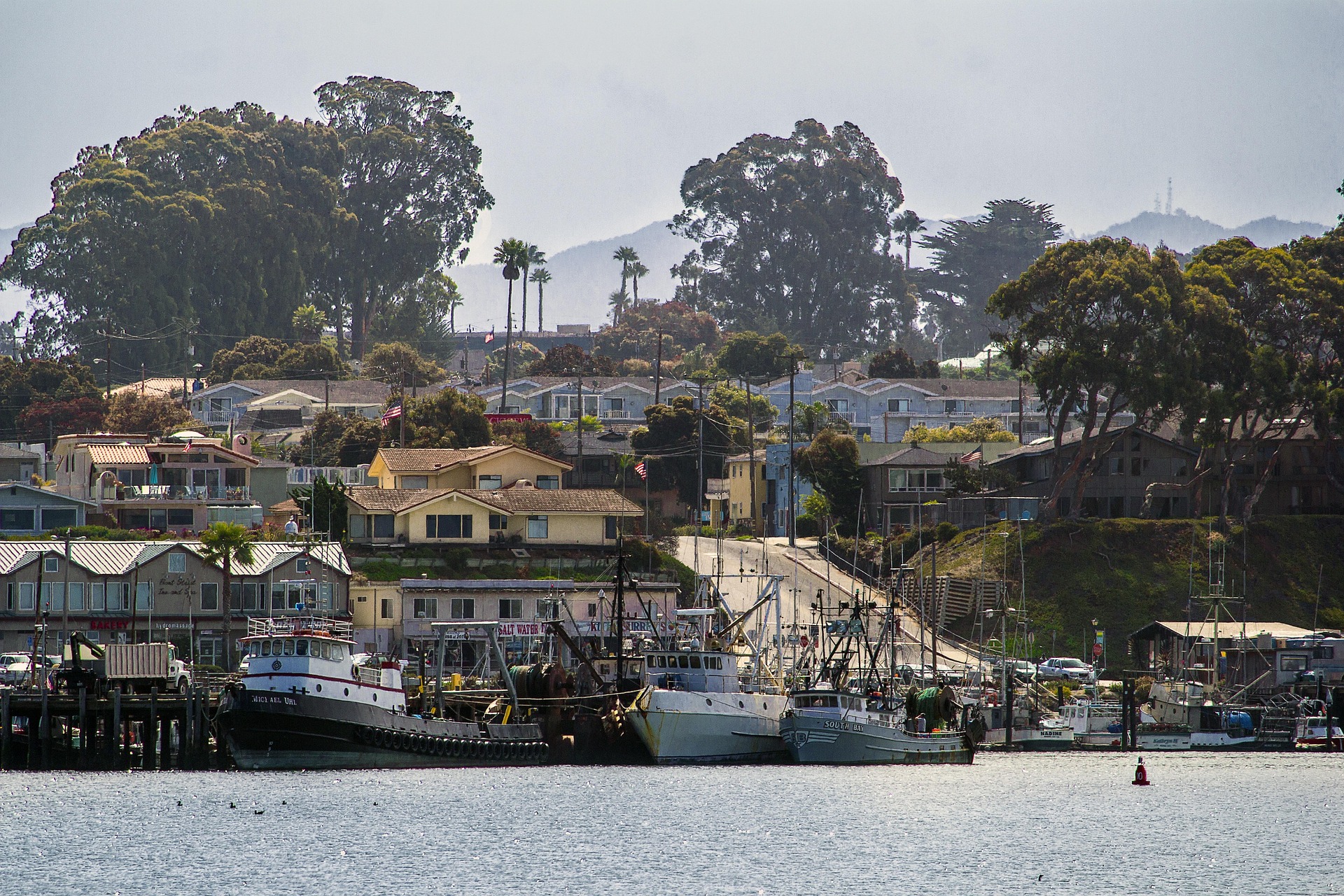
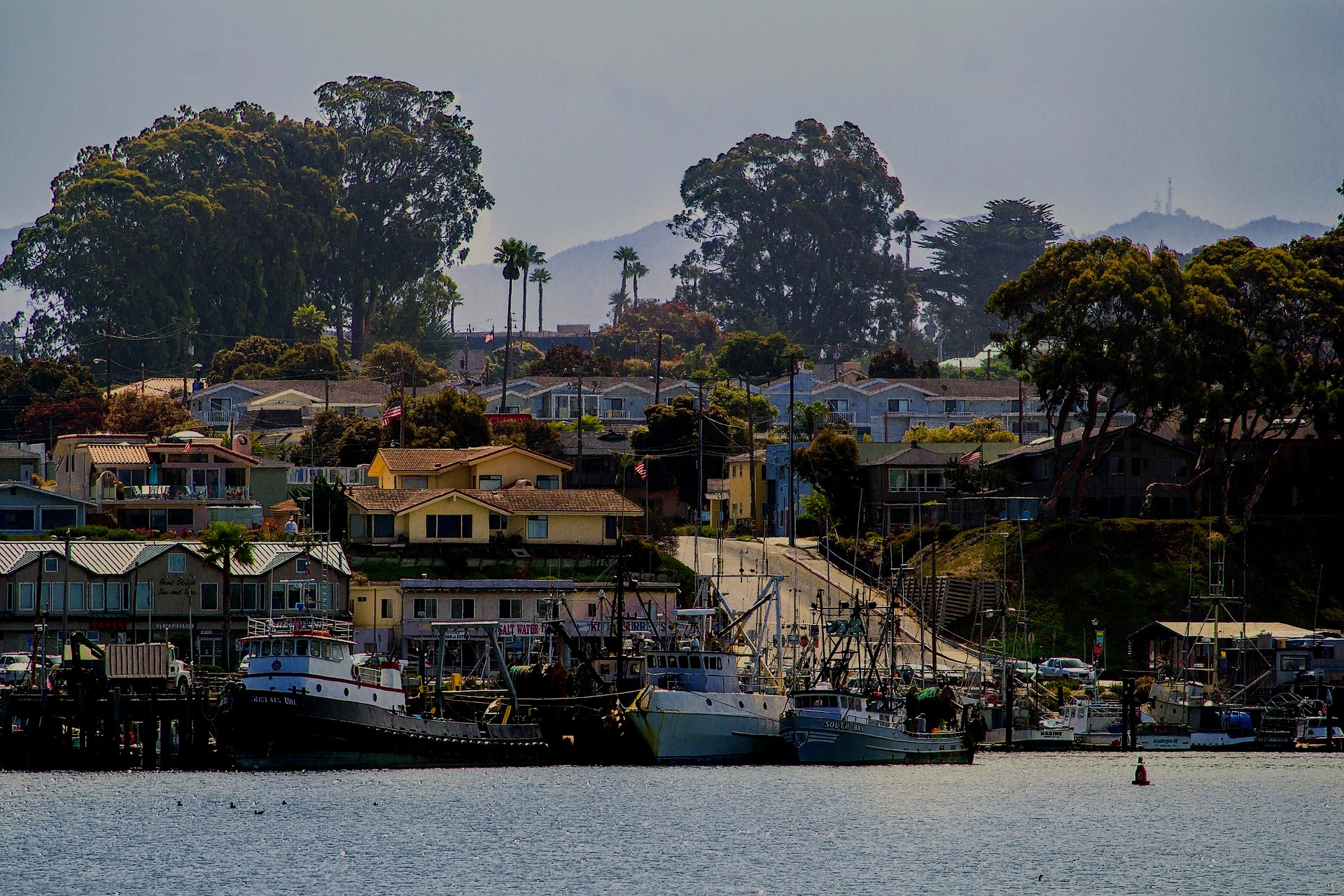
How it works
Drag & drop or browse. Stays on your device.
Instant quality analysis with specific issues.
One click corrects every detected issue.
Export at full resolution.
You took the photo at the perfect moment. The lighting looked fine on your phone screen. But when you open it later, half the image is just white. The sky is completely blown out, faces are washed out, and all the detail you saw in person is gone.
This is overexposure, and it’s one of the most frustrating photo problems because it can feel permanent.
What Causes Overexposed Photos?
Overexposure happens when your camera sensor captures too much light. Think of your camera like a bucket collecting light. If too much light pours in, the bucket overflows and you lose information.
Your phone or camera tries to expose for the entire scene, but when there’s a bright sky and a darker subject, it often gets confused. It picks a middle ground that leaves your highlights completely blown out.
Once a pixel is pure white (255, 255, 255 in digital terms), the detail is gone. It’s like bleaching a shirt. The original color isn’t hiding under there. It’s just gone.
Can You Really Fix Blown Highlights?
Here’s the honest truth: if your highlights are completely blown out to pure white, no software can bring back detail that was never captured.
But here’s the good news: most “overexposed” photos aren’t completely destroyed. There’s often recoverable detail in the near-highlights. What looks washed out to your eye might still contain usable information in the file.
PhotoInput analyzes your image and intelligently reduces exposure, pulls down highlights, and restores contrast to bring back as much detail as possible. If your photo was shot in good light but just exposed too bright, you’ll be surprised how much can be recovered.
How PhotoInput Fixes Overexposed Photos
Our tool runs a complete analysis of your image to identify blown highlights and washed-out areas. Then it applies targeted adjustments:
Highlight Recovery: Pulls down the brightest areas first, rescuing detail before it clips to white. This is different from just reducing overall brightness.
Exposure Compensation: Reduces the global brightness while protecting the shadow areas, so you don’t end up with a dark, muddy image.
Contrast Restoration: Overexposed photos often look flat and washed out. We rebuild tonal separation so your image has depth again.
White Balance Correction: Bright photos often have color shifts. We analyze the scene and restore natural tones.
Everything happens in your browser using your device’s GPU. Your photo never uploads to a server. No accounts, no tracking, no privacy concerns.
When Overexposure Can’t Be Fixed
Let’s be clear about the limitations. If your photo has large areas of pure white with zero detail, those areas will stay white. You can’t invent pixels that don’t exist.
If you shot the photo as a JPEG, you have less latitude than if you shot RAW. RAW files contain more highlight information that can be recovered. JPEGs bake in the exposure decisions, limiting what’s possible.
And if the overexposure is severe across most of the image, you might improve it, but you won’t get a perfect result. Some photos are better left as memories than candidates for recovery.
Tips to Avoid Overexposed Photos
Use exposure compensation: Most phone cameras let you tap the screen and then slide up or down to adjust brightness before you shoot. If the scene looks too bright, slide down.
Watch the sky: Bright skies are the number one cause of blown highlights. If possible, position yourself so less sky is in the frame, or shoot when the sun is lower.
Enable highlight warnings: Many cameras have a “zebra” or “blinkies” feature that shows overexposed areas in real-time. Turn it on.
Shoot in RAW if possible: RAW files give you significantly more room to recover highlights in post. If your phone or camera supports it, use it for important shots.
If you’re dealing with the opposite problem, check out our guide on how to fix dark photos. And if your image looks flat after fixing exposure, you might need to fix low contrast as well.
Understanding Your Histogram
Want to know if your photo is overexposed before you even finish shooting? Learn to read your photo’s histogram. It’s the single most useful tool for avoiding exposure problems.
The histogram shows the distribution of tones in your image. If the graph is bunched up on the right side, you’re overexposed. If it’s falling off the edge on the right, you have clipped highlights that can’t be recovered.
Try It Now — Free & Private
Upload your overexposed photo and see what’s recoverable. Our tool will analyze it, show you the issues, and fix them automatically. No signup, no email, no upload to the cloud.
If the automatic fix isn’t exactly what you want, you can manually adjust exposure, highlights, shadows, and contrast until it looks right to you. You’re in control.
Frequently Asked Questions
Can you fix completely blown out highlights?
No. If a pixel is pure white (completely clipped), the detail is permanently lost. But most “overexposed” photos have near-highlights that still contain recoverable information. PhotoInput will extract as much as possible.
Why do my phone photos look fine until I open them later?
Phone screens are bright and often viewed in bright conditions, which makes exposure problems less obvious. When you view the same photo on a different screen or in different lighting, the overexposure becomes apparent.
Is it better to fix overexposure or underexposure?
Underexposure is generally more recoverable than overexposure. Shadow detail can often be pulled up with minimal quality loss, but blown highlights are gone forever. This is why photographers say “expose to the right” (keep the histogram as bright as possible without clipping).
Does fixing overexposure reduce photo quality?
Any editing introduces some quality loss, but it’s minimal with modern tools. PhotoInput uses GPU-accelerated processing that preserves as much quality as possible. You’ll lose less quality fixing a slightly overexposed photo than living with a washed-out image.
Can I fix overexposed photos on my phone?
Yes. PhotoInput works in any modern browser, including mobile browsers. All processing happens on your device, so it works offline once the page loads.
How is this different from Instagram or Snapseed filters?
Filters apply preset looks. PhotoInput analyzes your specific photo, identifies exposure problems, and applies targeted corrections. It’s not a stylistic choice — it’s technical recovery of lost detail.
Will this work on old photos?
Yes, as long as you have a digital file. The age doesn’t matter. However, older photos from lower-quality cameras may have less recoverable highlight detail than modern high-dynamic-range sensors.
Do I need to download software?
No. PhotoInput runs entirely in your browser. No installation, no downloads, no account required.