Fix Hazy & Foggy Photos Instantly
Cut through haze and fog to reveal sharp, clear photos.
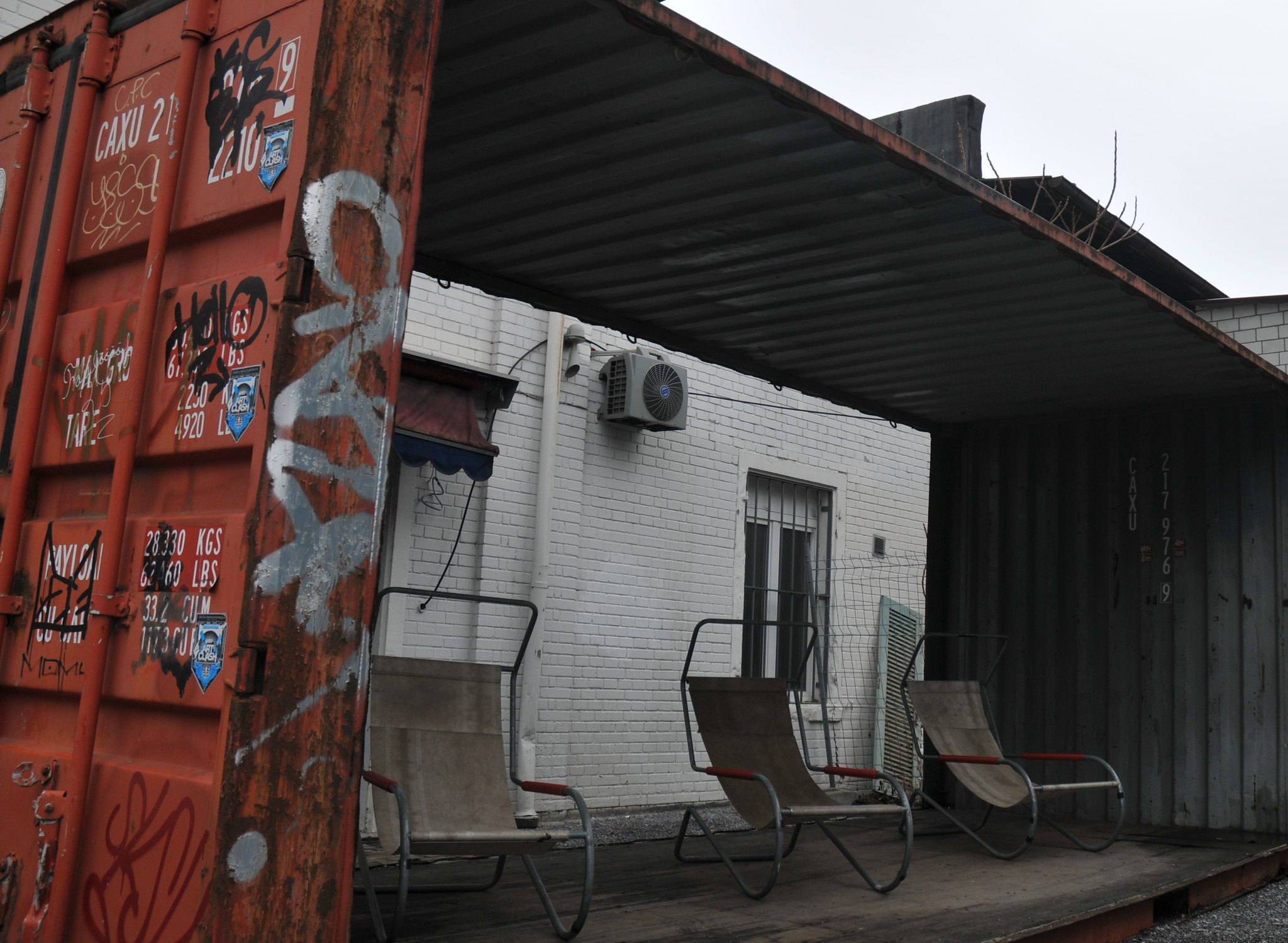
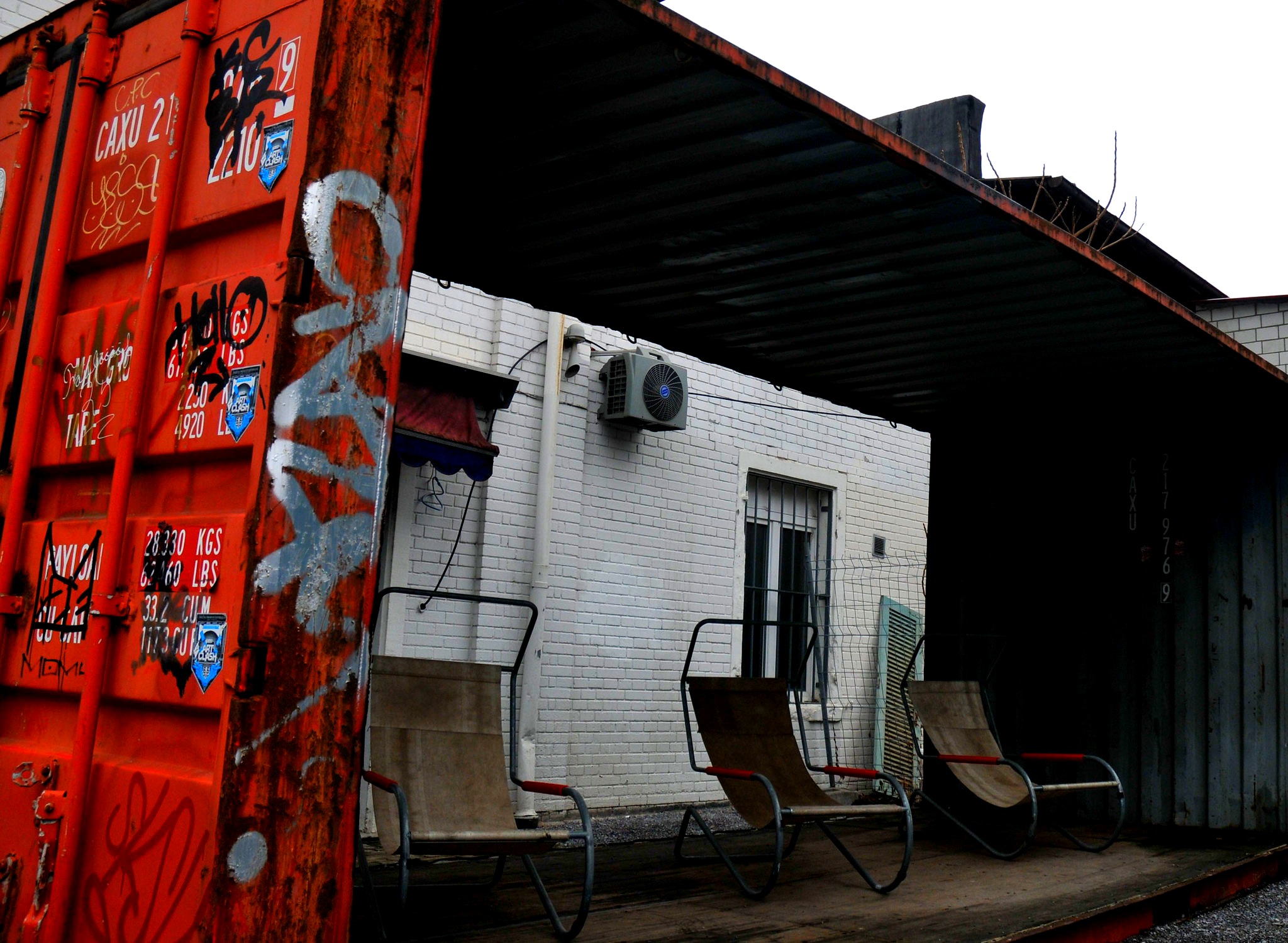
How it works
Drag & drop or browse. Stays on your device.
Instant quality analysis with specific issues.
One click corrects every detected issue.
Export at full resolution.
You captured a stunning mountain vista or a sweeping coastal view, but when you look at the photo later, it’s disappointingly hazy. That crisp, dramatic landscape you saw in person looks washed out and flat on screen.
This happens all the time with outdoor photography, especially when shooting distant subjects. The good news? You can cut through that atmospheric haze and reveal the sharp, clear photo hiding underneath.
Why Photos Turn Out Hazy
Atmospheric haze isn’t a camera problem—it’s physics working against you. When light travels through air over long distances, it scatters off moisture, dust particles, and pollutants suspended in the atmosphere.
The farther away your subject, the more atmosphere between you and it. Mountains 20 miles away have literally miles of air between your lens and those peaks, creating that milky, washed-out look.
Humidity makes it worse. Early morning fog, coastal mist, or smoggy city air all add particles that scatter light and reduce visibility. Even on “clear” days, there’s enough atmospheric scattering to soften distant details.
Your camera captures this exactly as it appears—a layer of haze reducing contrast, muting colors, and obscuring fine details. It’s frustrating because your eyes compensated for it in the moment, but the sensor recorded reality.
How Dehaze Technology Works
Dehazing isn’t just about cranking up contrast or sharpness. Specialized dehaze algorithms analyze how atmospheric scattering affects different parts of your image and intelligently counteract it.
The technology targets the specific way haze reduces contrast in darker tones while leaving bright areas relatively unaffected. It rebuilds local contrast in hazy areas without destroying detail or creating harsh artifacts.
PhotoInput’s dehaze processing happens entirely in your browser using your device’s GPU. Your photo never uploads to a server—it never leaves your computer. This keeps your images completely private while delivering professional-quality results in seconds.
When You Need Dehaze
Landscape photography is the obvious use case. Mountain ranges, coastal scenes, desert vistas—any time you’re shooting across distance, atmospheric haze creeps in and softens the impact.
Travel photography often suffers from haze too. That stunning cityscape view from the observation deck, the rolling countryside from the train window, or the island chain from the beach all benefit from dehaze processing.
Even photos that don’t look obviously “foggy” often improve with targeted haze removal. Subtle atmospheric haze reduces overall image clarity in ways you might not immediately notice. Applying dehaze can reveal hidden detail and make the entire photo feel sharper and more three-dimensional.
If your outdoor photos look flat, lack depth, or seem like they’re hiding behind a thin veil, dehaze is the fix you need.
Beyond Dehaze: Complete Photo Enhancement
Hazy photos often have multiple issues working together. Low atmospheric contrast usually goes hand-in-hand with dull, muted colors since haze desaturates the image along with reducing clarity.
After removing haze, you might notice the overall photo still lacks punch. That’s often a low contrast issue in the underlying tones. PhotoInput’s analysis detects all these problems together and suggests targeted fixes.
The “Fix Everything” feature handles this intelligently. It applies dehaze where needed, boosts color vibrancy in desaturated areas, and adjusts contrast to restore depth—all calculated specifically for your image’s unique characteristics.
Fix Your Hazy Photo in Seconds
PhotoInput makes dehaze simple. Upload your hazy landscape or travel photo, and the analysis immediately detects atmospheric haze and quantifies the severity.
Click “Fix Everything” and watch the haze disappear in real-time. The processing reveals hidden detail in distant mountains, brings back blue skies, and restores the crisp, dramatic scene you remember seeing.
Want more control? The manual adjustment sliders let you fine-tune dehaze intensity, adjust clarity for mid-tone detail, and boost color saturation to compensate for haze-induced desaturation. The live preview updates instantly as you adjust.
Every bit of processing happens locally on your device. Your photo stays completely private, and you get professional results without uploading anything or learning complex software.
Frequently Asked Questions
Can you remove haze from any photo?
Dehaze works best on photos where atmospheric haze is the primary issue—landscapes, cityscapes, and distant subjects. It’s less effective on photos where the “haze” is actually lens fog, severe underexposure, or motion blur. For true atmospheric haze caused by distance, humidity, or smog, the results can be dramatic.
Will dehazing make my photo look unnatural?
Not when done correctly. PhotoInput’s algorithms are designed to restore natural clarity without creating harsh, over-processed results. The goal is to make your photo look like it was shot on a perfectly clear day, not to create an artificial HDR effect. You can always dial back the intensity if it feels too strong.
Does dehaze work on portraits or close-up photos?
Dehaze is specifically designed for atmospheric haze affecting distant subjects. Portraits and close-ups rarely have true atmospheric haze since there’s minimal air between camera and subject. If a portrait looks “hazy,” it’s usually a different issue—soft focus, low contrast, or backlight exposure problems that need different fixes.
Is this really free? What’s the catch?
Completely free, no catch. PhotoInput processes everything locally in your browser—there are no server costs for us since your device does the work. Your photos never upload anywhere, so there’s no storage cost either. We believe photo editing should be accessible to everyone without subscriptions or usage limits.
How is this different from Lightroom or Photoshop dehaze?
The underlying principles are similar—all dehaze tools use atmospheric scattering models to counteract haze. The difference is accessibility. PhotoInput works instantly in your browser with no installation, no subscription, and no learning curve. For quick fixes and everyday photos, it’s far faster than opening professional software. For advanced editing workflows, Lightroom offers more granular control but requires significantly more time and expertise.
Can I use dehazed photos commercially?
Yes. You own your photos and all edits you make to them. PhotoInput doesn’t claim any rights to your images or impose usage restrictions. Use your enhanced photos however you’d like—personal projects, social media, commercial work, print sales, anything.